
How to find Events on the calendar
Step 1: Click on the “Upcoming Events” icon
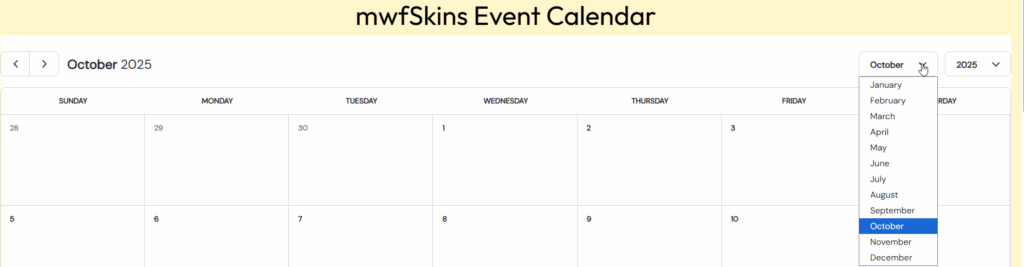
Step 2: Click the Month dropdown and select the month you want to see. Click the Year dropdown and select the year if necessary.
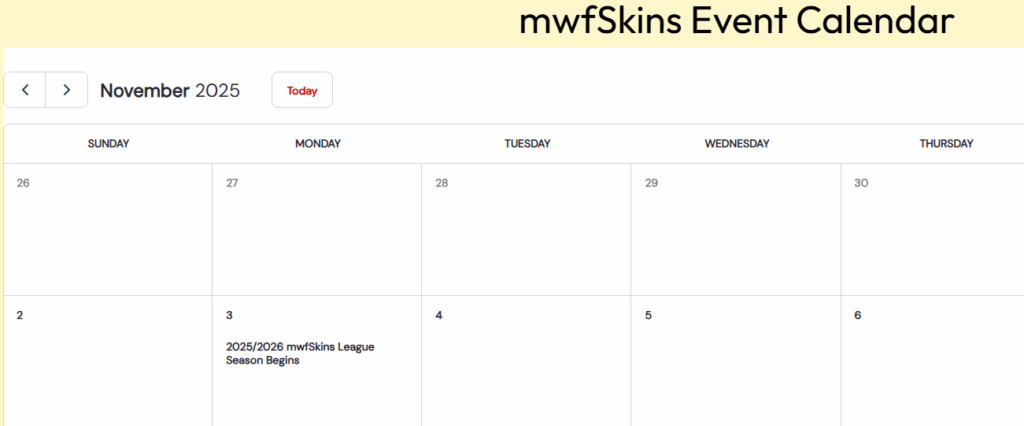
Step 3: View the Month and Year you selected
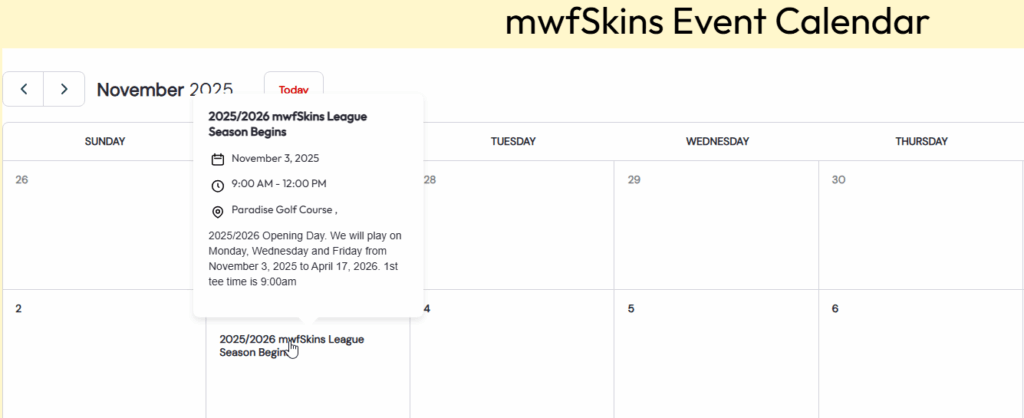
Step 4: Hover your mouse over the event and the details will be exposed
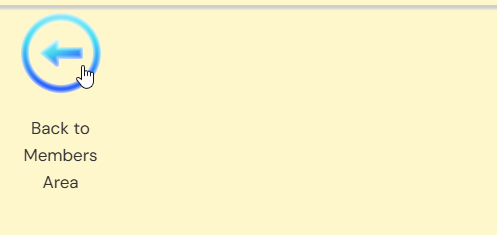
Step 5: Click “Back to Members Area” when finished viewing the calendar